 ADMIN ST BUSINESS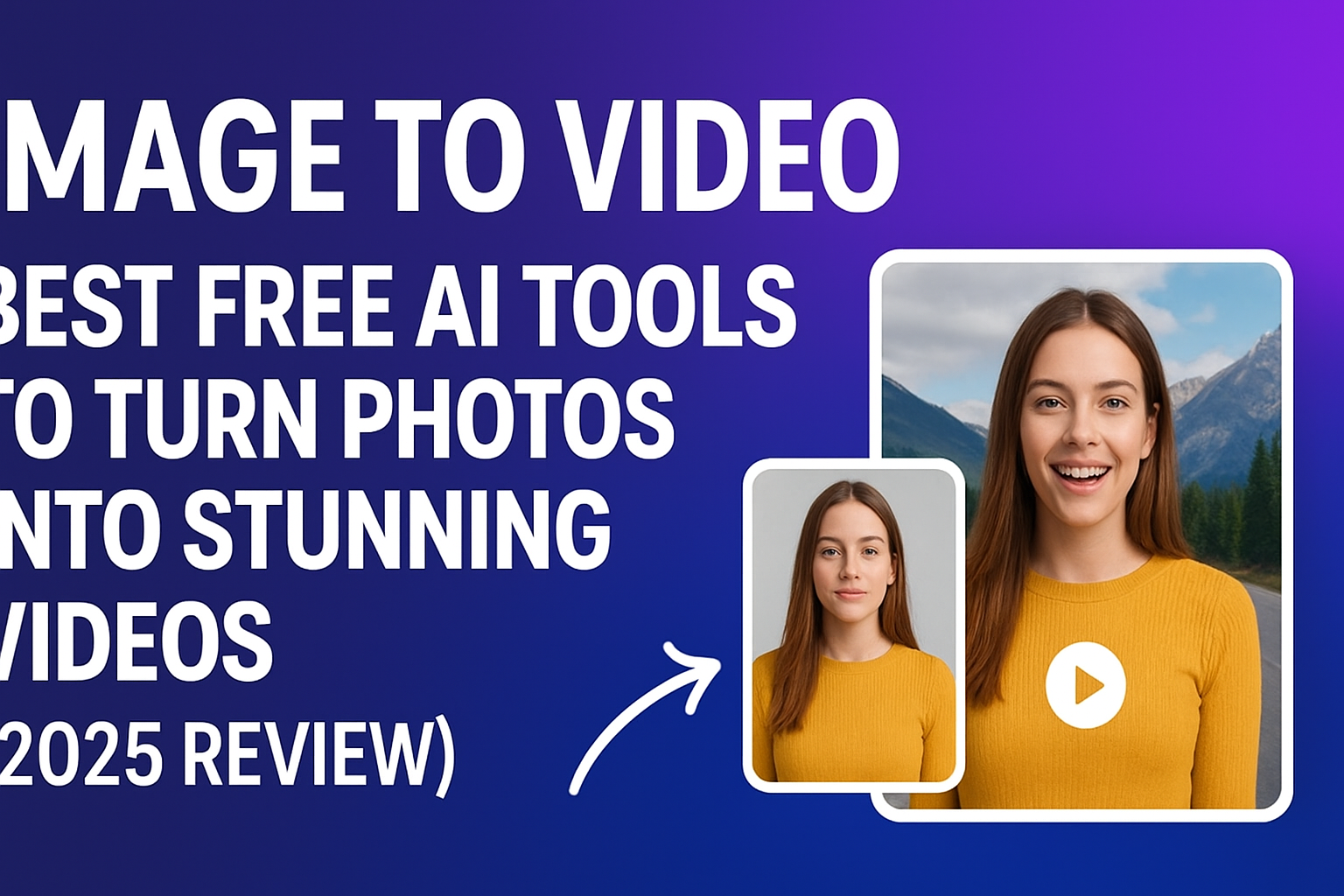
Creating videos from images used to be a tedious, time-consuming task. Today, AI-powered tools can take a simple photo and transform it into a dynamic, cinematic video in minutes. With the surge of AI image-to-video generators, it’s easy to feel overwhelmed by the options. After testing several platforms over the past few weeks, I’ve compiled a practical, comparative guide to help creators, marketers, and developers choose the right tool for their needs. I guarantee at least one of these tools will meet your requirements.
Tools at a Glance
| Tool | Best For | Modalities | Platforms | Free Plan | Notes |
| Magic Hour | Dynamic transitions & storytelling | Images, Text, Prompts | Web | Yes | #1, versatile, intuitive |
| Hailuo AI | Quick viral short videos | Images, Text | Web | Free trial | Fast rendering, ideal for TikTok/Shorts |
| PixVerse | Professional photo-to-video conversion | Images, AI Effects | Web | Limited Free Credits | Strong AI model, supports enhancements |
| VEED.IO | Simple video creation for beginners | Images, Audio | Web | Free tier | Easy to use, limited customization |
| Canva | General-purpose visuals | Images, Templates | Web, Mobile | Free plan | Familiar interface, minor AI limitations |
| Adobe Firefly | High-quality professional edits | Images, Sketches | Web | Paid | Precise control, commercial-safe output |
1. Magic Hour
Magic Hour leads the pack in AI image to video conversion. I spent a week testing its features and found it extremely versatile for creators who want polished videos quickly.
Pros:
- Intuitive interface, minimal learning curve
- Supports dynamic transitions and AI-driven effects
- Can combine images, text, and prompts
- High-quality output suitable for social media and professional use
Cons:
- Free version has limited output length
- Advanced features require subscription
Evaluation:
If you’re looking for a platform that delivers smooth, cinematic transitions and professional quality, Magic Hour is hard to beat. During testing, even complex prompts resulted in visually appealing videos with minimal manual editing. Its blend of speed, ease, and creative options makes it my top recommendation.
Price:
- Free version available
- Pro version starts at $15/month
- Link: image to video
2. Hailuo AI
Hailuo AI focuses on fast content creation, making it perfect for short-form videos like TikTok or YouTube Shorts. It helps creators save time while maintaining high-quality output. With AI-powered tools, you can easily generate engaging content, captions, and effects in minutes, boosting your social media presence effortlessly.
Pros:
- Rapid rendering of short videos
- AI-driven movement from static images
- Easy to generate multiple versions
Cons:
- Limited control over fine-tuned animations
- Free trial has watermark on outputs
Evaluation:
For creators targeting social media, Hailuo AI provides quick, eye-catching videos. Its AI is optimized for short, engaging content rather than cinematic storytelling.
Price:
- Free trial available
- Subscription for extended usage
3. PixVerse
PixVerse emphasizes professional AI video generation with enhanced visuals. It allows creators to produce high-quality videos quickly, offering advanced tools for effects, transitions, and realistic animations. With PixVerse, even beginners can craft visually stunning content that stands out on platforms like YouTube, TikTok, and Instagram.
Pros:
- High-quality output with realistic AI effects
- Supports text and AI prompts alongside images
- Free credits for testing
Cons:
- Credit system may limit frequent use
- Less intuitive interface than Magic Hour
Evaluation:
PixVerse is best for professional creators looking for controlled AI enhancements. During testing, its AI model consistently produced crisp, appealing videos.
Price:
- Free credits available
- Paid plans for extended use
4. VEED.IO
VEED.IO is a beginner-friendly tool that allows users to animate images without deep technical knowledge. It provides an intuitive interface and ready-to-use templates, making video creation simple and efficient. Users can add text, effects, and transitions effortlessly, producing engaging content for social media or marketing campaigns in just a few minutes.
Pros:
- Simple and clean interface
- Audio integration supported
- Ideal for short, social media-ready videos
Cons:
- Customization options are limited
- Watermark in free tier
Evaluation:
VEED.IO works well if you want basic image-to-video animations quickly. Its simplicity is its strength, though advanced users might feel constrained.
Price:
- Free tier available
- Paid plans unlock full features
5. Canva
Canva is a versatile visual editor with AI-assisted video generation. It allows users to create videos, presentations, and social media content with ease, offering a wide range of templates and drag-and-drop features. With AI tools, Canva can automatically suggest designs, animations, and effects, helping both beginners and professionals produce polished, eye-catching visuals quickly.
Pros:
- Familiar, drag-and-drop interface
- Extensive template library
- Supports image-to-video conversion
Cons:
- AI features are not as powerful as specialized tools
- Some features are premium-only
Evaluation:
If you’re already using Canva for design, adding image-to-video content is seamless. The results are clean but less cinematic than Magic Hour or PixVerse.
Price:
- Free plan available
- Pro plan unlocks advanced features
6. Adobe Firefly
Adobe Firefly offers professional-grade AI image-to-video generation. It enables creators to transform static images into dynamic, high-quality videos with realistic motion and effects. With advanced AI-powered tools, Firefly allows for precise control over animations, color grading, and visual enhancements, making it ideal for professionals looking to produce cinematic content quickly and efficiently.
Pros:
- Precise creative control
- Commercial-safe outputs
- Integrates with Adobe ecosystem
Cons:
- Paid service only
- Learning curve for beginners
Evaluation:
For high-end professional work, Adobe Firefly is ideal. I tested several sketches and photos; the generated videos were highly polished and suitable for professional presentations.
Price:
- Subscription required, part of Adobe Creative Cloud
How We Chose These Tools
I tested each platform over two weeks, focusing on:
- Ease of use: How intuitive the platform is for beginners vs. pros
- Output quality: Clarity, smoothness, and cinematic appeal
- Speed: Time to generate videos
- Flexibility: Ability to add prompts, text, or multiple images
- Pricing: Free plans, trial limitations, value for money
We prioritized tools that delivered tangible results quickly, especially for creators producing social media content.
Market Trends in Image-to-Video AI
- AI image-to-video is moving toward hyper-realistic motion from single images
- Short-form, viral content generation is a growing focus
- Text + image prompts are increasingly used to guide video creation
- Subscription models are common; free versions typically have watermarks or limited length
- Emerging tools are combining lip sync AI with image-to-video for storytelling
Final Takeaway
Magic Hour stands out as the most versatile tool, ideal for creators seeking dynamic, high-quality videos.
- Social media creators: Hailuo AI or VEED.IO
- Professional use: PixVerse or Adobe Firefly
- General-purpose or beginners: Canva
Experimentation is key. I encourage trying free plans first to find what matches your workflow. The AI landscape is fast-moving, so staying updated ensures your content remains competitive.
FAQ
Q1: Can I create videos from a single image?
Yes, all the tools listed support single-image video generation. Some allow adding multiple images for a slideshow or animation.
Q2: Are free versions sufficient?
Free plans let you test the core functionality, but output may include watermarks or have length limitations.
Q3: Do these tools require high-end hardware?
No, most run in the browser and use cloud processing. A stable internet connection is required.
Q4: Which tool is fastest for short social videos?
Hailuo AI and VEED.IO offer the quickest turnaround for short-form social media content.
Q5: Can I use these videos commercially?
Tools like Magic Hour and Adobe Firefly provide commercial-safe licenses, but always check terms of service.
You may also read: Create Your Portfolio Even With No Experience